Productivity Timer
Are We Winning Today?
Your team works hard all day but has no idea if they're on track until it's too late to fix it.
Tutorial
See the Productivity Timer in Action
How and where to use the Kaizenify productivity timer on the shop floor to capture real production time.
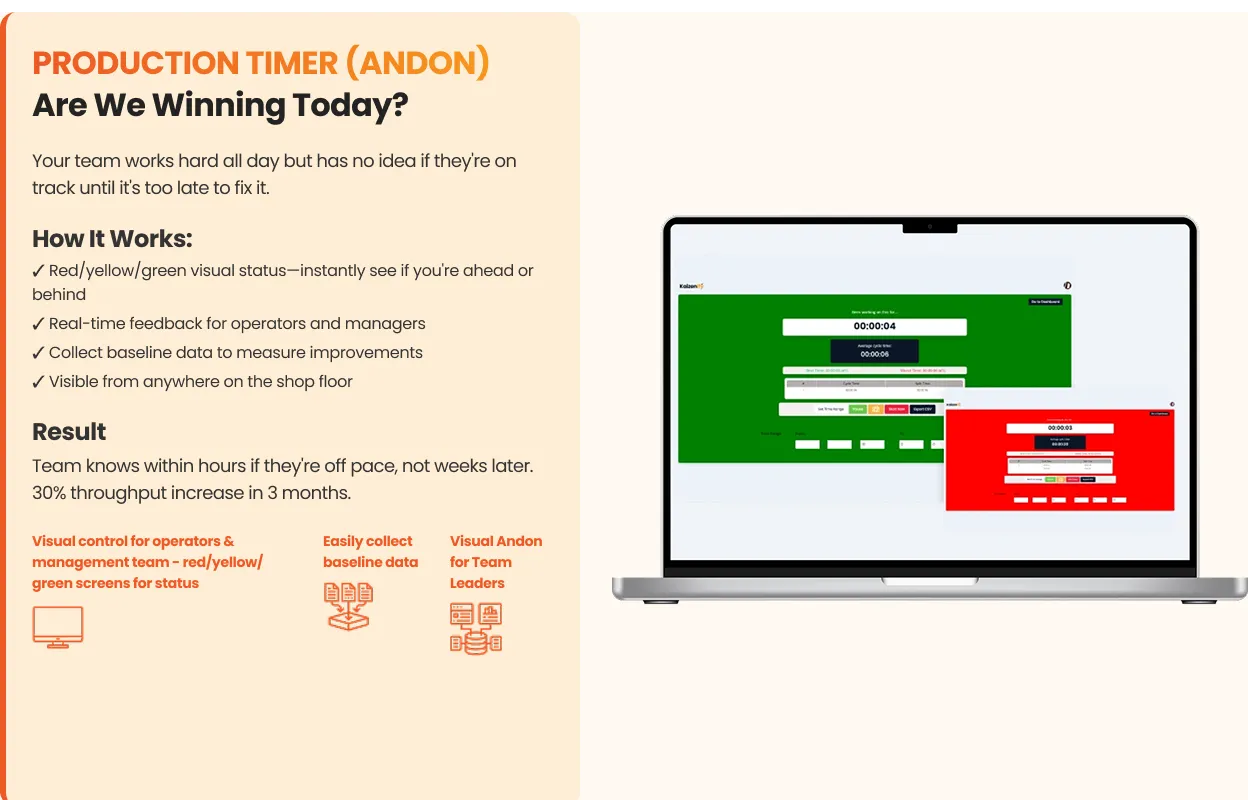
How It Works:
- 1
Red/yellow/green visual status. Instantly see if you're ahead or behind
- 2
Real-time feedback for operators and managers
- 3
Collect baseline data to measure improvements
- 4
Visible from anywhere on the shop floor
Result
Team knows within hours if they're off pace, not weeks later. 30% throughput increase in 3 months.
Red/yellow/green visual status
Real-time feedback for operators
Baseline data collection
Visible from anywhere on the floor
Works with: Shop Floor Production Dashboard
From the blog
Learn more about Productivity Timer
All Dashboard & Metrics resourcesManufacturing KPIs for Small Shops: The 5 Numbers That Tell You If You Made Money
Most KPI lists have 30 metrics. A cabinet shop needs five. What to track daily, how to read the numbers, and how to start on a whiteboard this week.
Lynn · August 17, 2026 · 7 min read
Read articleCommon Questions
Common questions about Productivity Timer
See Everything. Fix What Matters.
Six simple tools that give you complete visibility and control.
Don't have time to set it up? See our done-for-you program →Explore the other tools
All six toolsDashboard
Know If You're Making Money By Lunch
View toolKanban
Never Run Out of Edgebanding Again
View toolSOPs
Every Job Right, Even When Bob's Out
View toolTraining Matrix
What If Your Key Guy Quits Tomorrow?
View toolQuality Tracking
Fix What's Actually Costing You
View toolAI Video SOP
Your Team Already Knows How To Do It. Now Kaizenify Captures It For You.
View tool