Kanban Inventory System
Never Run Out of Hardware or Edgebanding Again
Never Run Out of Edgebanding Again
You're mid-job and someone yells 'we're out of screws.' Production stops. Someone drives to the supplier. Hours lost.
Tutorial
See the Kanban Tool in Action
How to set up and use Kaizenify Kanban cards to eliminate stockouts and streamline purchasing on the shop floor.
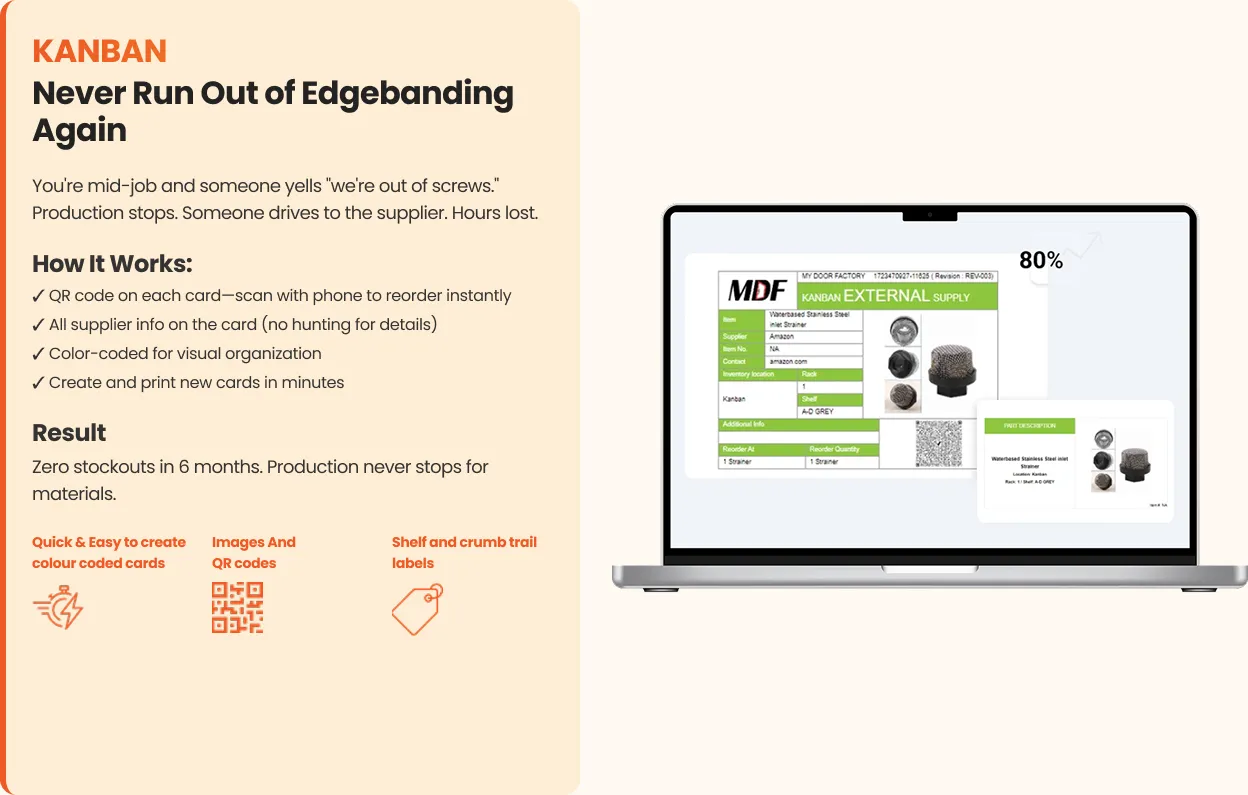
How It Works:
- 1
QR code on each card. Scan with phone to reorder instantly
- 2
All supplier info on the card (no hunting for details)
- 3
Color-coded for visual organization
- 4
Create and print new cards in minutes
Result
Zero stockouts in 6 months. Production never stops for materials.
Quick & Easy to create colour coded cards
Images And QR codes
Shelf and crumb trail labels
"It used to be hard to get people to make Kanban cards. Now it's weird if we don't have one."
Works with: Shop Floor Production Dashboard
From the blog
Learn more about Kanban Inventory System
All Kanban & Inventory resourcesCommon Questions
Common questions about Kanban Inventory System
See Everything. Fix What Matters.
Six simple tools that give you complete visibility and control.
Don't have time to set it up? See our done-for-you program →Explore the other tools
All six toolsDashboard
Know If You're Making Money By Lunch
View toolSOPs
Every Job Right, Even When Bob's Out
View toolAndon/Timer
Are We Winning Today?
View toolTraining Matrix
What If Your Key Guy Quits Tomorrow?
View toolQuality Tracking
Fix What's Actually Costing You
View toolAI Video SOP
Your Team Already Knows How To Do It. Now Kaizenify Captures It For You.
View tool