Reorder Point Formula for a Cabinet Shop (With Examples You Can Actually Use)
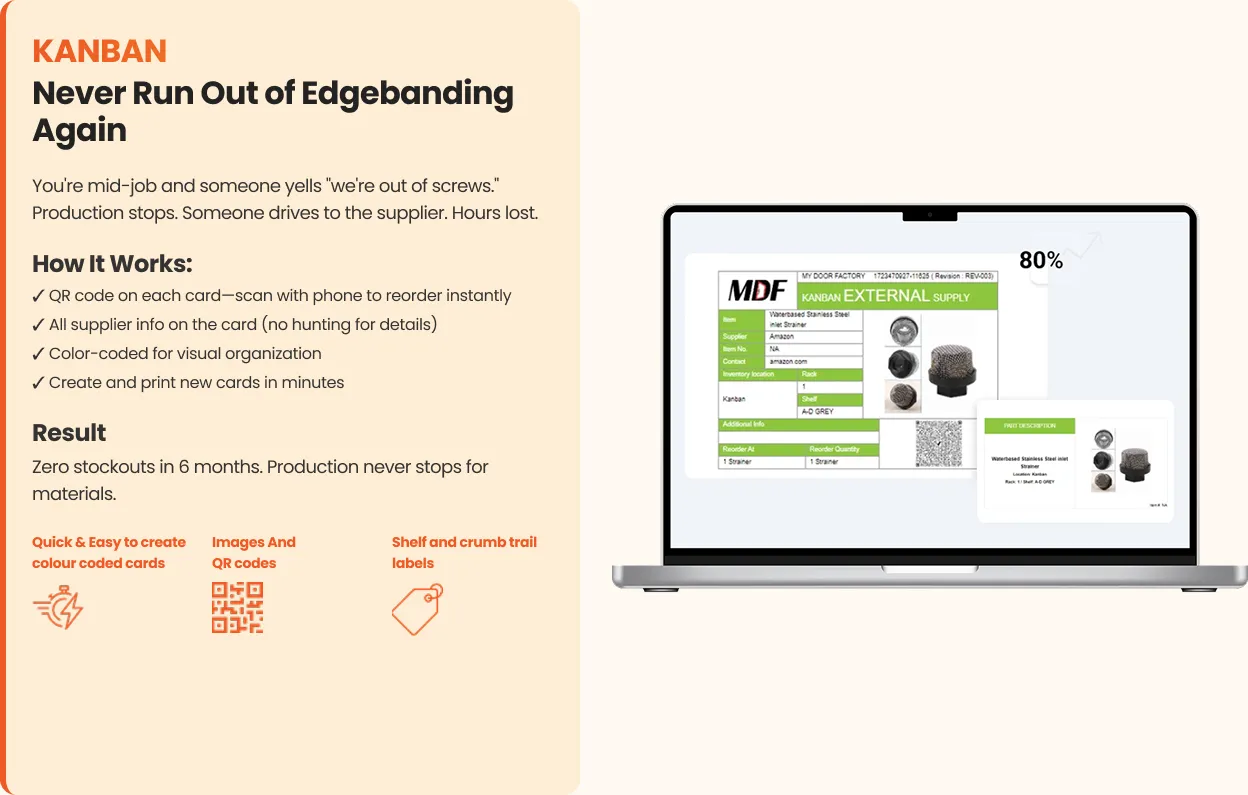
The reorder point is the number that makes a Kanban card work: the stock level at which you order so the new stock arrives before you run out. Get it roughly right and stockouts mostly disappear. Get it wrong in one direction and you tie up cash in shelves of hardware; wrong in the other and the saw stops on a Tuesday.
Here's the formula, what each part means in a cabinet or millwork shop, three worked examples, and how to set it when you don't have perfect data — which is every shop.
The formula
Reorder point = (average daily usage × lead time in days) + safety stock
That's the whole thing. The rest of this post is about the three inputs.
Average daily usage
How much of the item you use on a normal working day. For a small shop, estimate it from purchasing: how much did we buy in the last three months, divided by working days. If you don't have that, ask the person who uses it — they know within 20%, and 20% is fine for a first pass.
Use working days, not calendar days, and don't average across a slow season and a busy one; use the busy one, or you'll set the point too low for the weeks that matter.
Lead time
Days from placing the order to the item being on your shelf and usable. Not the supplier's quoted ship time — the real door-to-shelf time, including the day it sits on the receiving bench. If a supplier says three days and it's usually five, use five. When in doubt, use the longer number.
Safety stock
The buffer for the week usage spikes or the truck is late. There are statistical ways to set it; for a small shop the practical version is: enough to cover the difference between a normal week and a bad one, or one extra lead time's worth of usage for critical items. Critical means "the shop stops without it" — slides and hinges are critical; a specialty finish used twice a month isn't.
Three worked examples (illustrative)
Numbers are made up to show the method.
Soft-close drawer slides. Usage 8 pairs/day. Real lead time 5 working days. Critical item, so safety stock = one lead time = 40. Reorder point = (8 × 5) + 40 = 80 pairs. Order quantity: two weeks' use = 80.
Edgebanding, white PVC. Usage 1 coil per 3 days ≈ 0.33 coils/day. Lead time 7 days. Moderate buffer = 1 coil. Reorder point = (0.33 × 7) + 1 ≈ 3.3 → 4 coils. So the card sits on the fourth coil from the bottom.
3/4" prefinished maple ply. Usage 6 sheets/day. Lead time 3 days from a local supplier. Buffer for a rush job = 8. Reorder point = (6 × 3) + 8 = 26 sheets. Order quantity: whatever the supplier's unit or a full lift.
Notice the reorder point and the order quantity are different numbers. The reorder point is when; the order quantity is how much, and it's usually driven by case size, price breaks, or two to four weeks of usage.
Setting it without perfect data
You will not have clean usage numbers when you start. Do this anyway:
- Estimate usage from purchases or from the person who uses it.
- Use the longer of the supplier's lead time and your gut.
- Set safety stock generously for critical items, lean for everything else.
- Put the card at that level and run it for a month.
- If a card triggers and the stock still runs out before the order arrives, raise the point. If you're constantly sitting on a full shelf, lower it.
A slightly wrong reorder point that's on a card beats a perfect one in a spreadsheet nobody looks at. Adjust after a month; that's the whole method. The Kanban card template has the field for it.
When to revisit reorder points
Any time usage or lead time changes: a new big customer, a supplier switching warehouses, a seasonal ramp, a card that keeps triggering stockouts. In practice, a quick review each quarter of the cards that caused a stockout is enough. In a system like Kaizenify Kanban, that review is a list of which cards triggered and when, rather than a memory exercise.
Frequently asked
What is the reorder point formula? Reorder point = average daily usage × lead time in days + safety stock. It's the stock level at which you place an order.
How is reorder point different from order quantity? Reorder point is when to order; order quantity is how much. Set them separately.
How much safety stock should a small shop keep? For items the shop can't run without, about one lead time's worth of usage. For everything else, a small buffer or none.
How do I set reorder points without usage data? Estimate from purchases or ask the user, err on the high side for critical items, put the card in, and adjust after a month.
Lynn
Co-founder, Kaizenify
Co-founder of Kaizenify. Works with cabinet and millwork shops on lean daily management.