Your router can be busy while the shop falls behind
A stack of cut parts is not the same as completed cabinets. Panels can wait for edgebanding, a missing drawer slide can hold up assembly, and remakes can compete with new work for machine time.
Start by following a job beyond cutting. Where does it wait? What is missing when the next person picks it up? Which problem sends a part backward? Those questions help you decide whether the next improvement belongs at the router, at a handoff or elsewhere on the floor.
The cabinet shop workflow guide gives you a way to map those handoffs.
What should a CNC wood shop measure daily?
Keep the first set of measures small enough to maintain.
| Question | A useful starting measure | What it helps you examine |
|---|---|---|
| Did the shop finish the intended work? | Completed output against the daily target | Delivery of usable work |
| What interrupted the current constraint? | Lost time and a consistent reason | The recurring interruption |
| Which parts came back? | Defect type, quantity and where it was found | Remakes and repeat causes |
| What stopped assembly? | Missing hardware or material incidents | Replenishment and readiness |
| Can another trained person cover the station? | Demonstrated skill coverage | Dependence on one operator |
A timer reading is evidence to investigate, not proof that an operator is the problem. Waiting for an approved drawing or a complete material kit can look like machine inactivity even when the operator is ready.
How does Kaizenify support that routine?
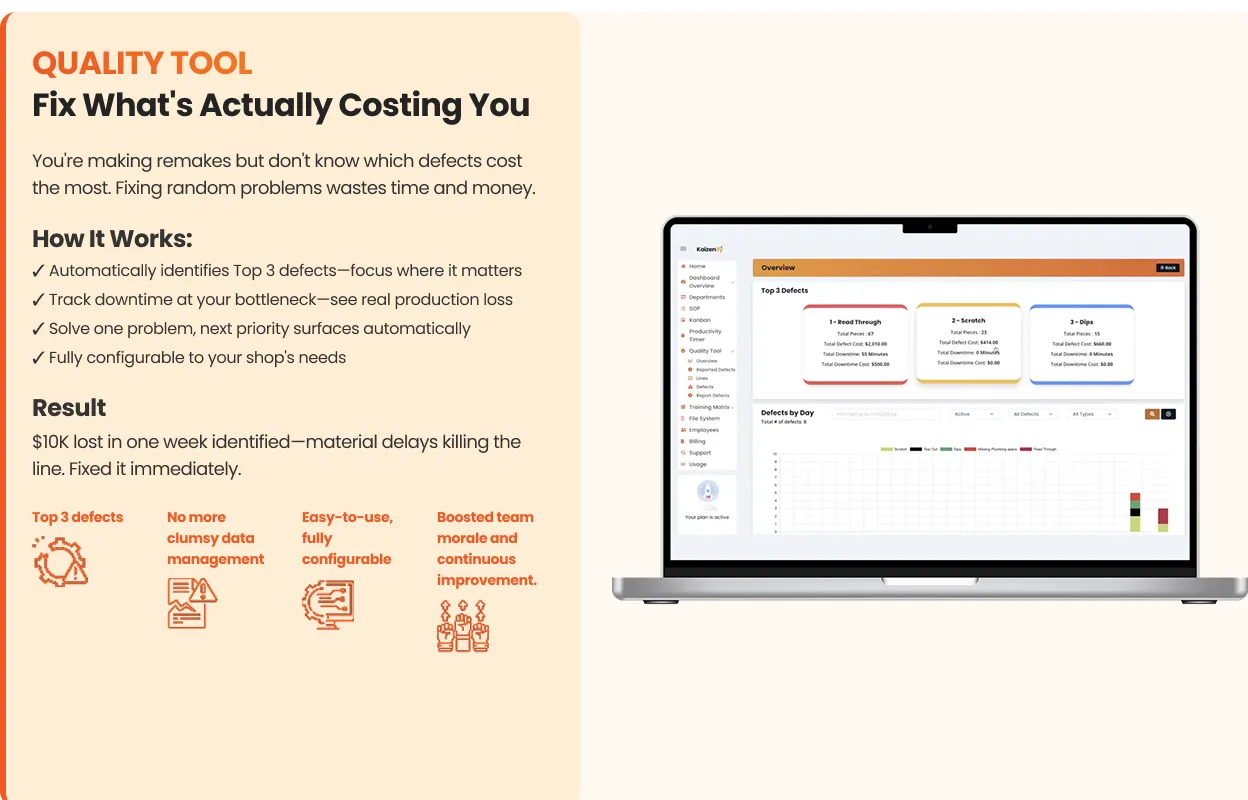
The Dashboard puts daily targets and actual output in view. Quality Tracking helps you see recurring defects and downtime. The productivity timer provides status and baseline information for examining how work runs.
Use Kanban for regularly stocked items such as labels, common fasteners or standard edgebanding. Use SOPs to make the agreed process accessible, and the Training Matrix to see skill coverage. Follow your equipment maker's procedures for machine setup and operation.
These tools support daily management. They do not create toolpaths, schedule jobs or automatically collect machine telemetry.
What does that look like on a cabinet job?
Consider a hypothetical run of base cabinets. Cutting finishes on time, but assembly repeatedly waits for matching edgebanding and replacement panels with damaged edges.
Record the missing material separately from the damage. Check whether the damage happens during unloading, storage or another handoff. Give one person responsibility for the next action. Review whether the interruption repeats after the change.
This is a shop-management routine, not a claimed customer result. The purpose is to stop treating every delayed cabinet as a CNC-speed problem.
Can you keep Mozaik, PolyBoard or Cabinet Pro?
Yes. Kaizenify can be used as a separate daily management system alongside the design and manufacturing software your shop already uses. No automatic integration is implied.
If you are choosing CNC cabinet software itself, use the cabinet software comparison to separate design, machine output, job management and daily floor management. Ask the CNC vendor to demonstrate compatibility with your actual machine and construction methods.
How do you measure mixed custom work?
Use a definition of completion that the whole team understands. Decide whether the measure represents cut parts, assembled cabinets or another meaningful finished stage. Do not add unlike counts together and call the total shop throughput.
For jobs with different complexity, review the custom-work output guide. Its points method is a value-based production measure with limitations; it is not net profit, a machining-time estimate or a quotation tool.
How can you start without another administration job?
Choose one production area, one output measure and one interruption category. Assign who enters the information and when the team reviews it. Use the information to resolve a visible problem before expanding the routine.
The software adoption guide explains how to avoid duplicate entry and give the team a reason to keep participating.
Common questions
Does Kaizenify control a CNC router?
No. It does not generate G-code, control equipment or replace CAD/CAM software.
Does it schedule our CNC jobs?
No. Keep scheduling in your existing process or scheduling system. Kaizenify supports daily performance and improvement around that plan.
Can we use paper work orders?
Yes. Your work orders can stay in their current system while you establish a separate daily output and quality routine.
Do we need to track every machine first?
No. A useful starting point is the area currently limiting completed work. Expand only when the first routine is being maintained and used.