Ask most shop owners what causes downtime and they'll say "the machines." Track it for two weeks and the answer is almost always something else: waiting on material, waiting on information, or redoing a part. The machine is rarely the biggest bucket. But nobody knows that until they categorize before they count.
This is a downtime tracking system a small shop can actually run: six categories, ten seconds per entry, and a way of reading it that points at the fix.
What counts as downtime in a custom shop
Any time a cell that should be producing isn't. Not breaks, not planned maintenance — the unplanned stops:
- The saw waiting for a sheet that didn't come in.
- Assembly stopped because nobody knows which hinge.
- The edgebander idle while a part is remade.
- A setup that has to be redone.
- The machine actually broken.
- Nobody at the station.
Each of those has a different fix. That's why you categorize.
The six categories
Keep it to these. More categories means less accurate logging.
- Waiting on material — part, hardware, sheet, edgebanding, finish not there.
- Waiting on information — drawing, spec, finish choice, which job next.
- Defect / rework — stopped to fix, remake, or wait for a remade part.
- Setup / changeover — including setups done twice because there's no standard.
- Breakdown — the machine is down.
- No operator — nobody at the cell (absent, pulled elsewhere).
Everything fits in one of the six. If someone genuinely can't decide, pick the one that started it.
Capturing it at the cell in ten seconds
One line per stop: date, cell, category (a number 1–6 is fine), minutes, and a few words. A clipboard at the cell or a shared sheet. Whoever's at the cell writes it when it happens or at end of shift.
The rule that keeps it honest: log the stop, not the blame. Nobody gets in trouble for a category-1 stop; the point is that purchasing finds out material is the biggest bucket.
Linking downtime to the defect log
Category 3 (defect/rework) is where downtime tracking and quality tracking meet. A defect at the saw doesn't just cost rework hours at the saw — it stops assembly while the part is remade. That downtime belongs to the defect's cost. If you're running the defect log, add the downtime minutes to that entry; if you're only running the downtime sheet, note the defect. Either way, when you cost your defects, include the waiting. It's often the biggest part of the number, as the cost of poor quality breakdown shows.
Reading it: the biggest category is usually not the machine
After two weeks, total minutes by category and by cell. Two questions:
- Which category is largest? In most shops it's material or information, not breakdown. That tells you whether the fix is Kanban cards, a job packet at the cell, an SOP, or actually a maintenance plan.
- Which cell loses the most? That's your bottleneck confirmed by data — the cell where a fix returns the most throughput.
Then fix the biggest bucket at the biggest cell. One thing. Keep logging.
Template
The sheet has one line per stop with the six categories listed at the top, and the spreadsheet version adds a totals tab by category and by cell so the ranking is automatic. Free, no email.
When to move it into software
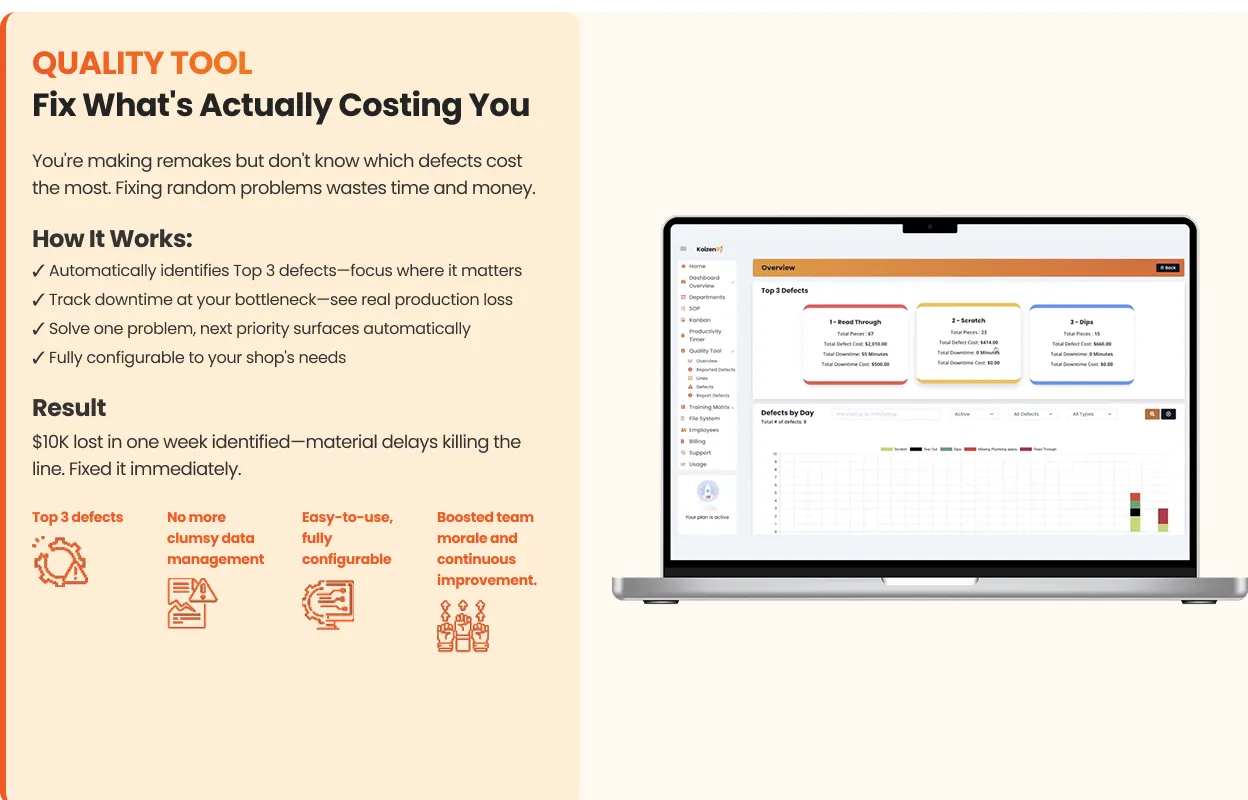
When the sheet lives at six cells and nobody totals it, or when you want the downtime number next to throughput and defects on one screen. Kaizenify's quality tracking captures defects with the waiting they cause, and the dashboard shows the result against the day's target — the same reading, without the weekly adding-up.
Frequently asked
How do you track downtime in a small shop? One line per stop — cell, category, minutes — at the cell, on a sheet or in software. Categorize into six buckets before you count.
What causes the most downtime in manufacturing? In small custom shops it's usually waiting on material or information, or rework — not machine breakdowns. Tracking by category is how you find out for your shop.
Should downtime be tracked with defects? Yes. Rework downtime is part of the defect's cost. Log the minutes with the defect where you can.
How long before the data is useful? Two weeks of honest logging usually shows the biggest bucket and the worst cell clearly.
Lynn
Co-founder, Kaizenify
Co-founder of Kaizenify. Works with cabinet and millwork shops on lean daily management.