Most defect tracking in small shops dies within a week. The form is too long, nobody knows where it lives, and the numbers never turn into a decision — so the crew stops filling it in and the owner goes back to guessing.
The log below is built to survive. Six fields, thirty seconds per entry, and one rule for reading it that turns two weeks of scribbles into the single most valuable improvement project in the shop.
Why defect tracking dies
Three reasons, usually all at once. The form asks for too much (severity codes, root cause categories, corrective action fields — before anyone knows what the problems even are). It captures the wrong location (where the defect was noticed, which is almost never where it was made). And nobody looks at it in a way that changes what happens tomorrow, so it becomes paperwork.
Fix all three: keep it to what you'll actually use, capture found and caused, and read it by cost.
The six fields
That's it. Nothing else until you've run two weeks and know what you're dealing with.
- Date — one line per defect, not per day.
- Where found — the workcell where someone noticed it (assembly, finish, install, QC).
- Where caused — the workcell that produced it (saw, edgebander, CNC, drilling, sanding). If unknown, write "?" — the pattern will still show.
- What happened — one line in plain language: "chip-out on melamine edge," "door out of square," "wrong hinge boring."
- Rework hours — how long to fix or remake, to the nearest quarter hour.
- Scrap / other cost — material tossed, rush freight, remake material. A rough number is fine.
Optional seventh column if it's obvious: downtime — how long the next cell waited. Skip it if it slows people down; add it in week three.
Found vs. caused: the field that changes everything
A defect found at assembly that originated at the saw gets blamed on assembly — if it gets recorded at all. The saw never sees the number, so nothing at the saw changes.
Recording both fixes that. "Where found" tells you where you could catch it sooner. "Where caused" tells you where to prevent it. After two weeks, the caused column is a map of where your cost is coming from — and it's rarely where the shop assumed.
The two-week method
- Put the log at each workcell (clipboard, or one shared sheet). Tell the crew the only goal is to write everything down — this is about the process, not the person.
- Log every defect for ten working days. Every one. Missing entries make the ranking wrong.
- At the end of two weeks, price each defect type: rework hours × loaded labor rate + scrap/other. Total by type. Sort by total cost.
- Fix the number one. Only that one. Find the cause, change the setup, the SOP, or the check.
- Keep logging. In another two weeks, fix the new number one.
The ranking is the point. The most frequent defect is often not the most expensive one — a chip-out that happens nine times can cost less than a door out of square that happens four times. Fixing by cost, not by count, is what makes this work.
Reading the log
After two weeks, three questions:
- Which defect type costs the most in total? (Fix it.)
- Which caused-cell shows up most? (That cell needs an SOP or a check.)
- Where is the biggest gap between where things are caused and where they're found? (That's where a check would catch defects early and cheaply.)
If you want to see the full costing method with a worked example, it's in our cost of poor quality post.
Template
The printable version has six columns and space for two weeks per sheet. The spreadsheet has the same columns plus a second tab that totals cost by defect type so the ranking is automatic. Both are free, no email.
From the clipboard to the system
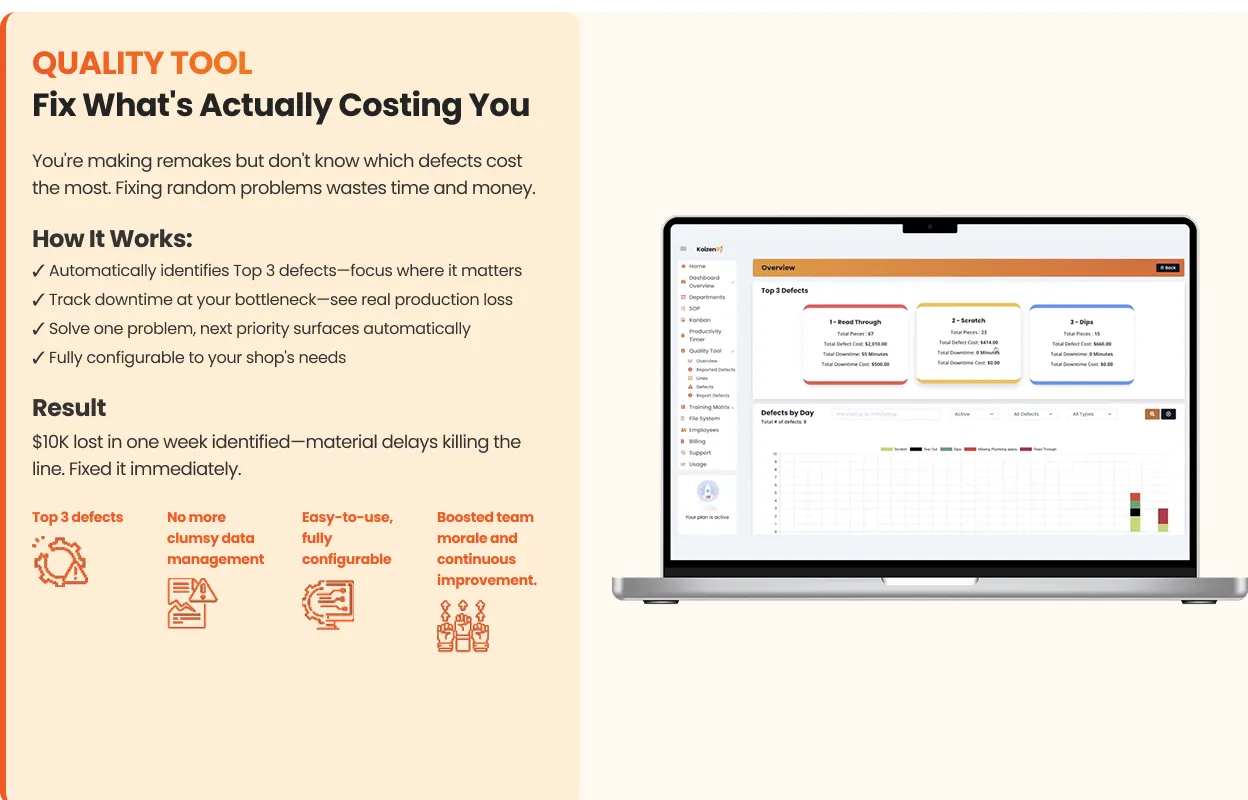
A clipboard is the right way to start. It stops being the right way when the log lives in three places, someone's sheet goes missing, or you want to see the trend over a quarter instead of a fortnight. At that point the log moves into software that captures the same fields at the cell and ranks cost for you — that's what Kaizenify's quality tracking does, and it feeds the same daily dashboard the rest of the shop runs on.
Frequently asked
Where should we record a defect — where it's found or where it was caused? Both, on the same line. Found tells you where to catch it sooner; caused tells you where to prevent it.
We only have a few defects a week. Is a log worth it? Yes. A few defects a week, priced honestly, is often tens of thousands a year. And a small log is easy to keep.
Should we track severity or root cause? Not in the first two weeks. Get the six fields for ten days, rank by cost, and you'll know which defect deserves a root-cause effort. Adding categories up front is how forms die.
Who fills it in? Whoever finds the defect, at the cell where they found it. Thirty seconds. If it takes longer, the form is too long.
Lynn
Co-founder, Kaizenify
Co-founder of Kaizenify. Works with cabinet and millwork shops on lean daily management.